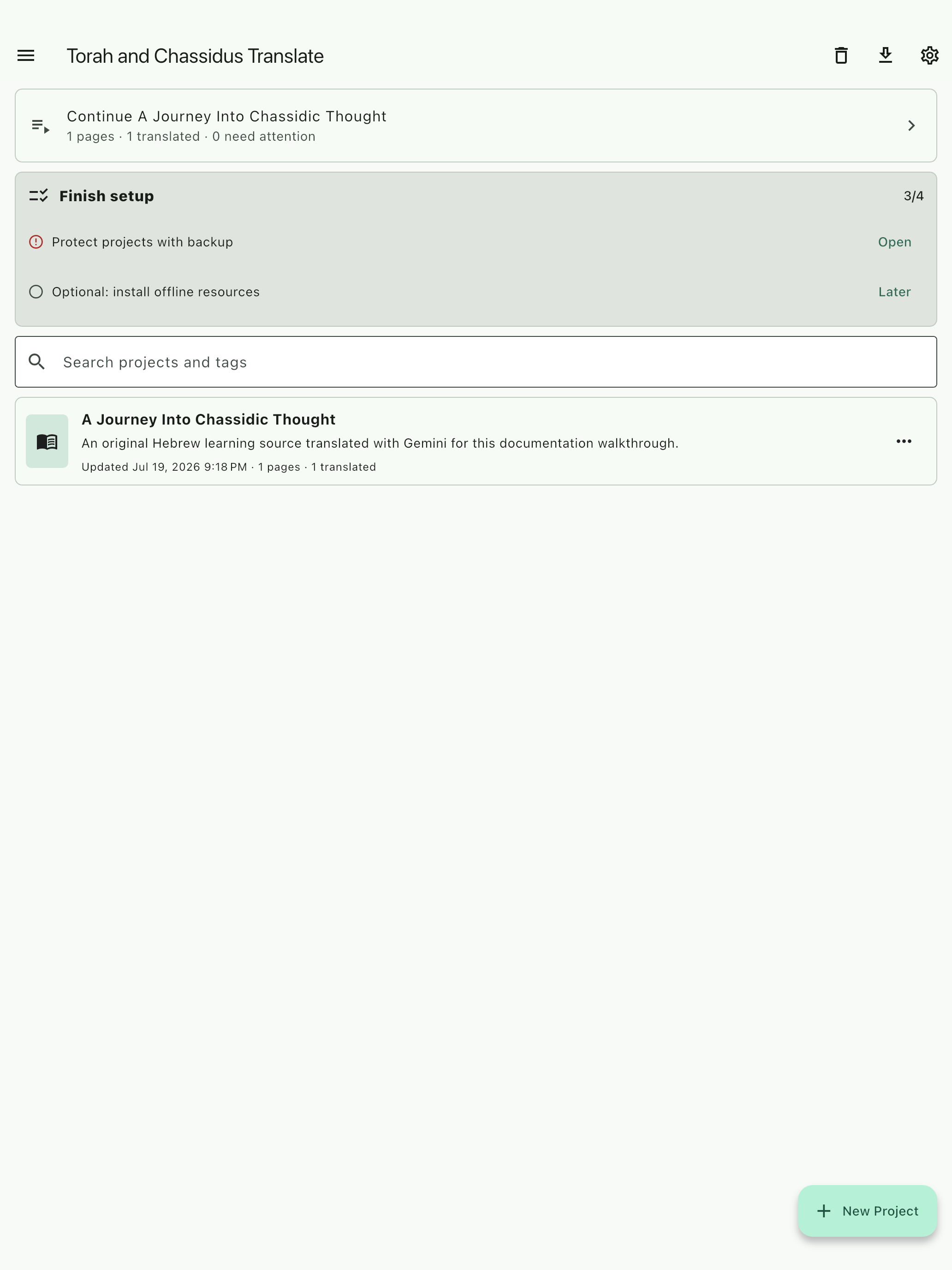
Create a named project
Keep pages, tags, translation runs, notes, and review items together.
Translation and study for difficult texts
Translate and study scanned Hebrew and Yiddish texts without letting the original page disappear behind generated prose.
AI output requires review. Provider charges and terms may apply.
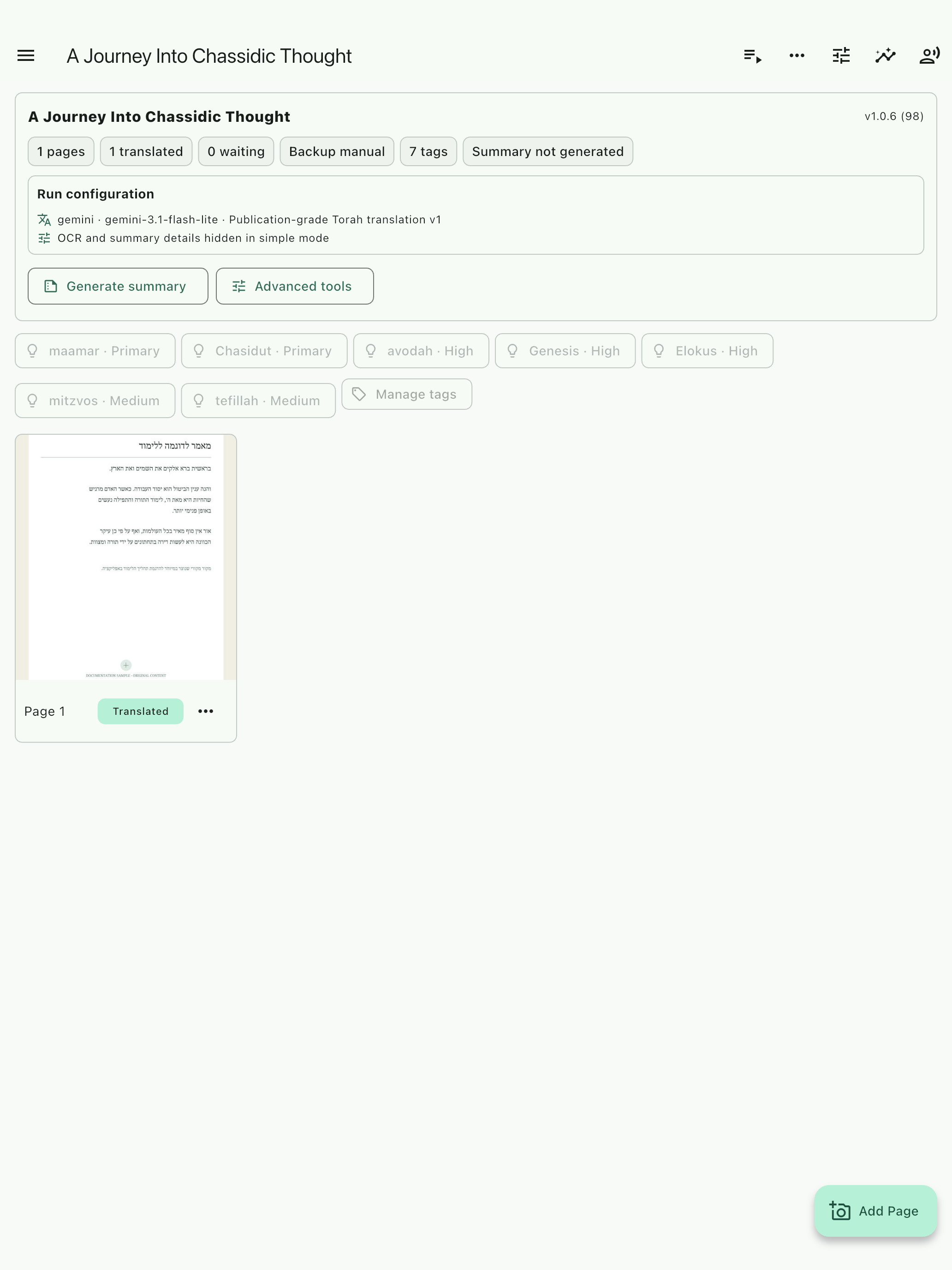
The source-centered workflow
Start small, verify what the app sees, and keep every later question connected to the project being read.
Keep pages, tags, translation runs, notes, and review items together.
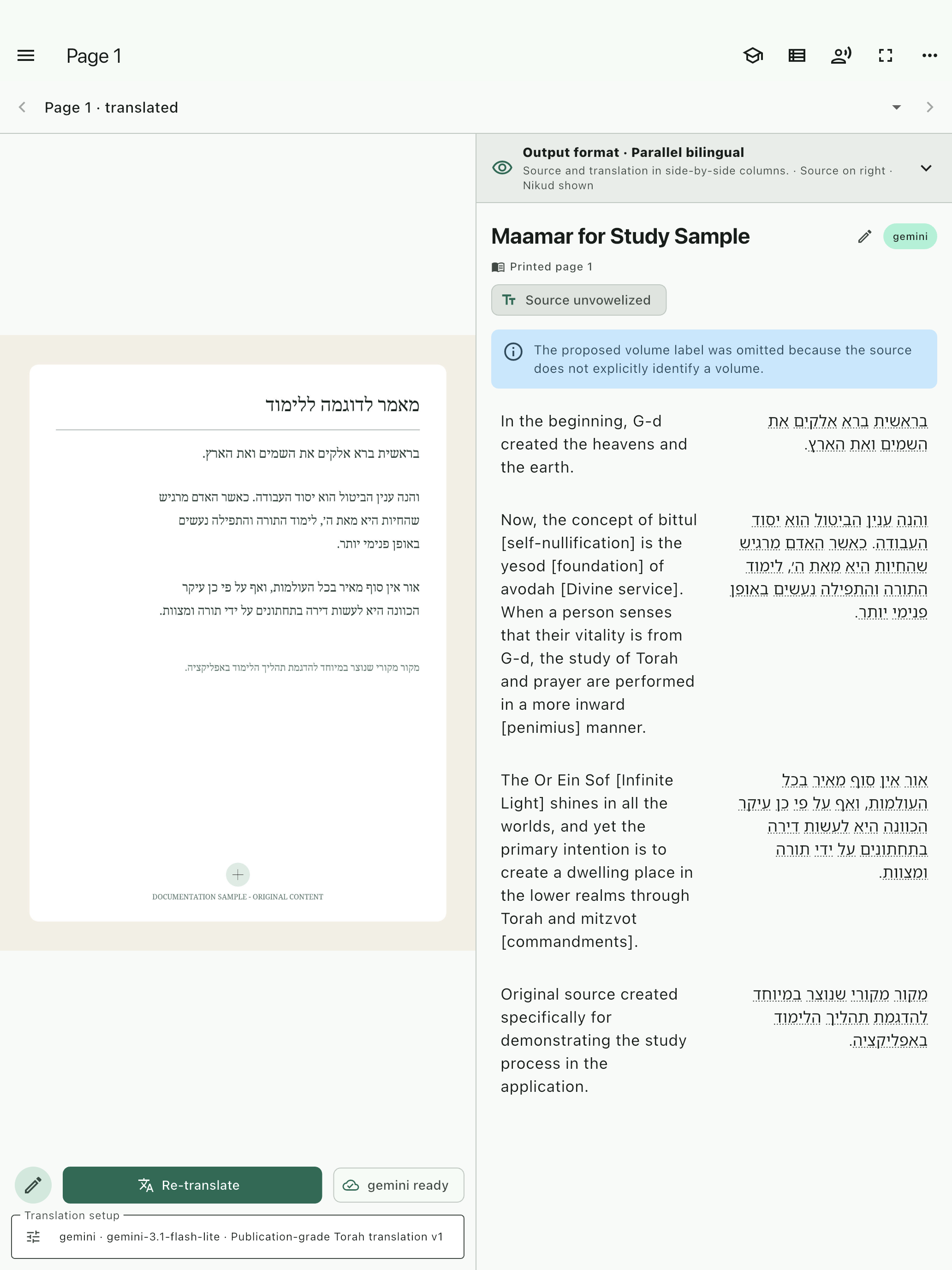
Confirm the image, editable OCR, orientation, and printed-page identity.
Choose the provider, model, language, template, and quality deliberately.
Review the original page beside the source text and structured first pass.
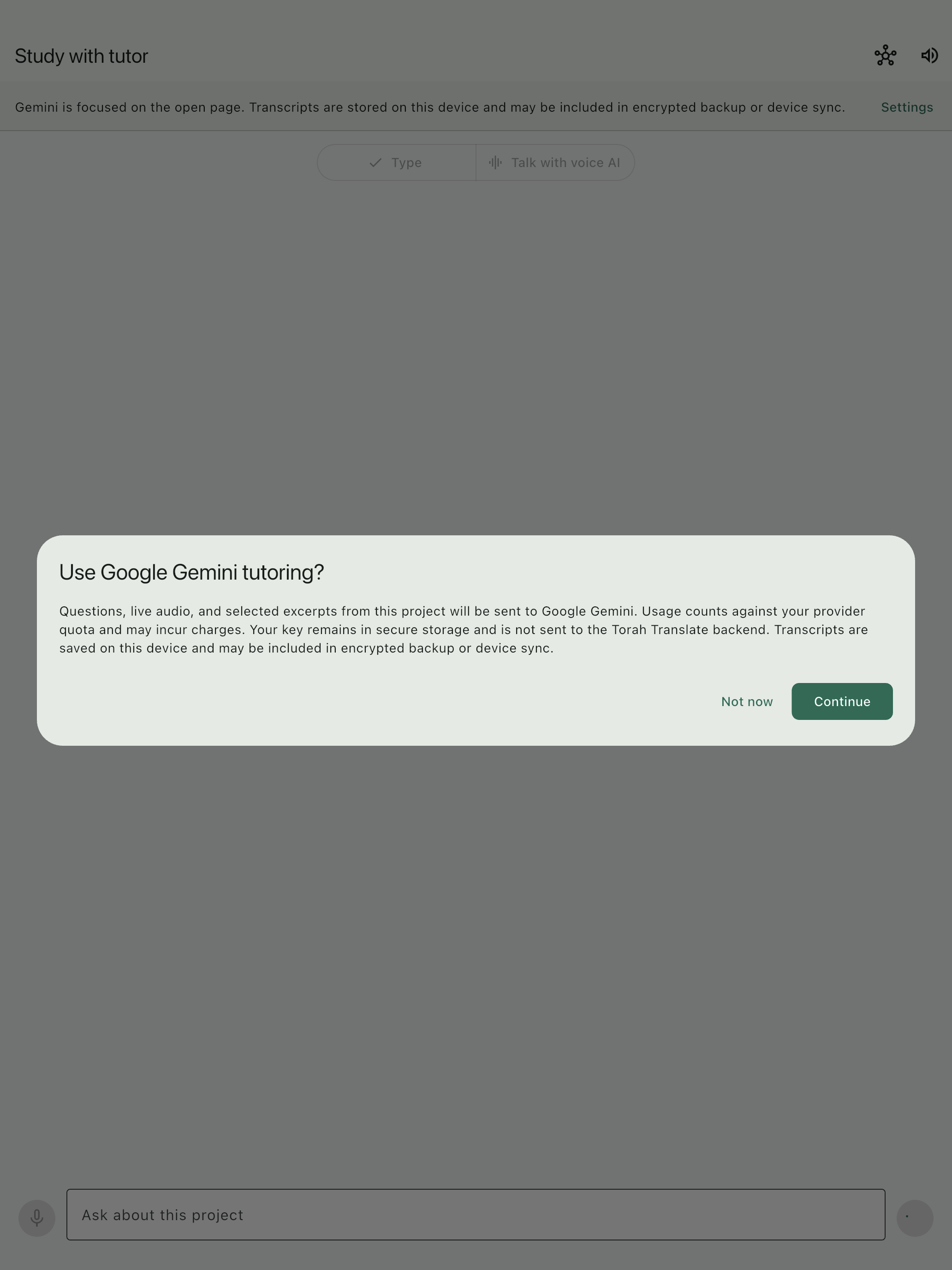
Ask from the page, inspect references, save notes, and add passages to review.
Create a content-specific study copy and preserve the full project through backup.
The source remains authoritative
Dense print, abbreviations, damaged pages, and specialized terminology can still produce errors. The app keeps the source close so important phrases can be checked before they become notes, lessons, or exports.
Product tour
See how to create a project, check a page, translate a small sample, study it with the tutor, and preserve your work.
Press play and the spoken words will appear here.
Tutoring, privacy, and cost
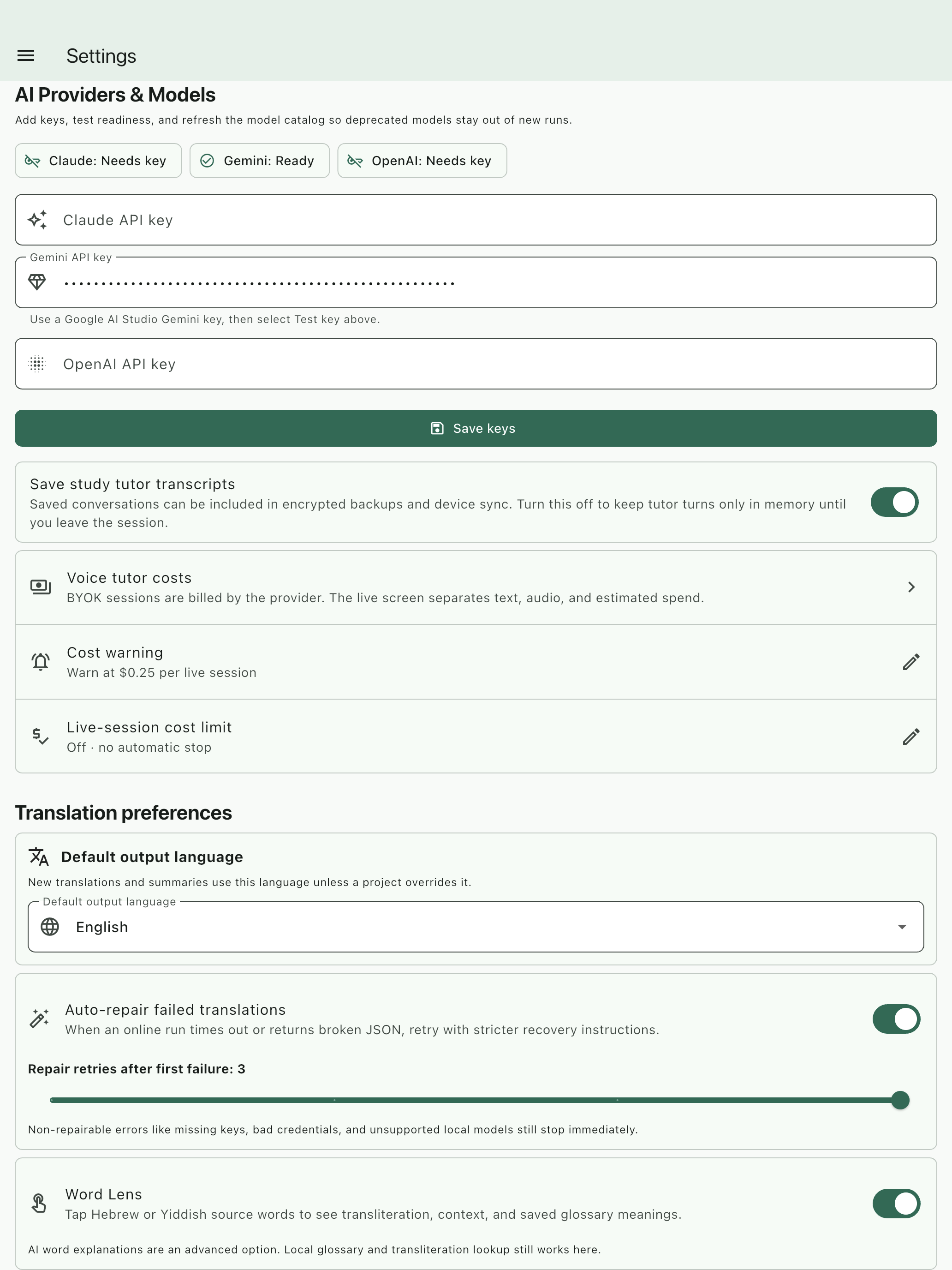
Before cloud tutoring begins, the app explains what will be shared. Your API keys stay in secure device storage, and you can review transcripts, estimated usage, spending limits, backups, and recovery settings at any time.
Your AI provider sets the final price. Voice conversations may cost more than typed questions. Some tasks can run locally after the required model is downloaded.
Read the Gemini key guide
Built for sustained study
Ask for a simpler reading, compare a phrase, save a note, and return to review without losing the source context.
Build named projects, inspect first-pass translations, preserve references, and export study copies with meaningful filenames.
Keep source images, edited OCR, translations, tags, notes, and recovery state together across longer projects.