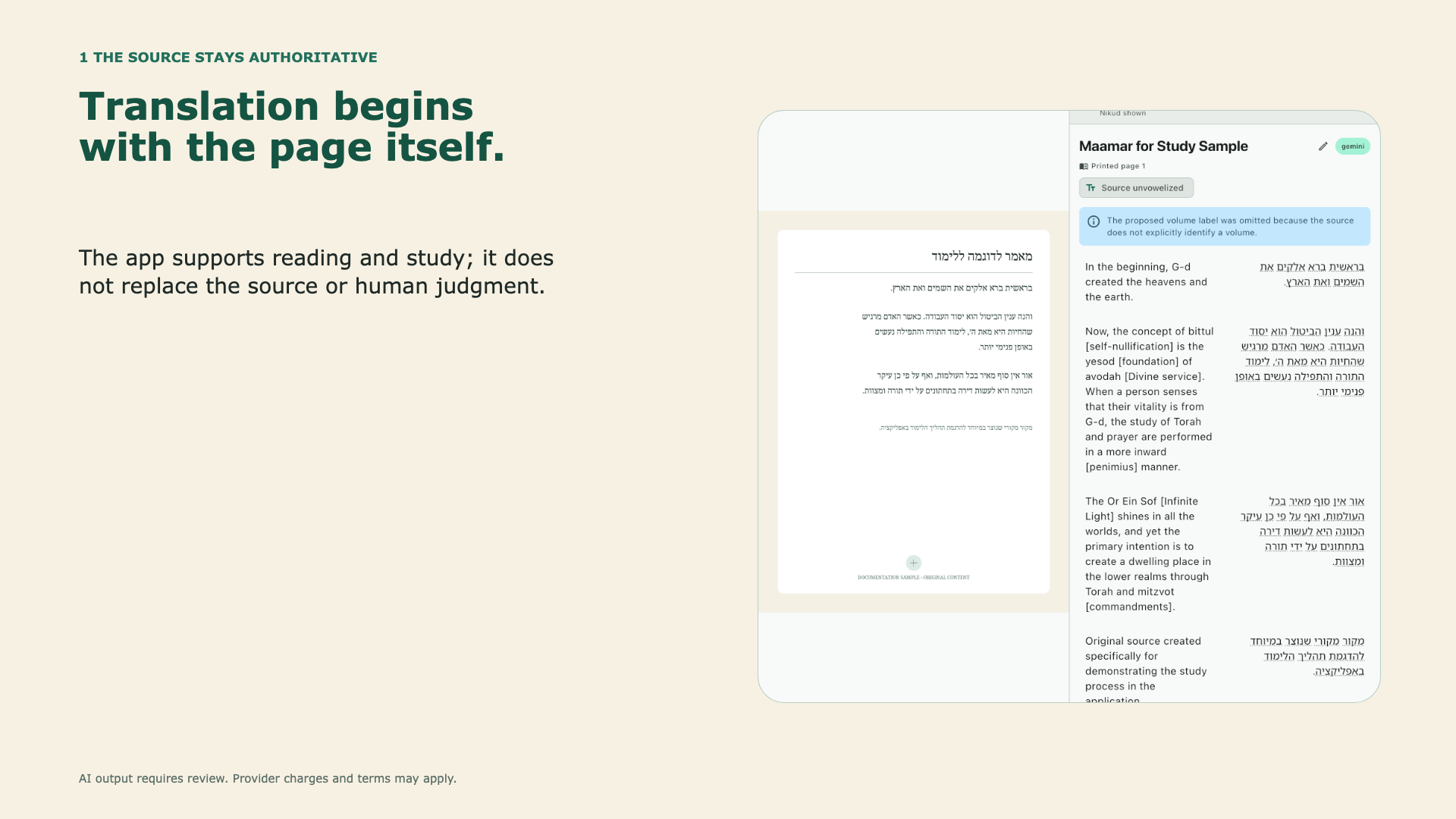
Editable product presentation
Ten-slide PowerPoint deck covering the learning barrier, source-centered workflow, project setup, review, tutoring controls, export, and backup.
Download PowerPoint · 3.8 MBGuides and downloads
Download a presentation, visual guides, videos, captions, and ready-to-share text about the source-centered study workflow.
Presentation and visual guides
You may use these materials in classes, newsletters, webpages, and community presentations. Please keep the product name, website address, and AI-use notice visible.
Ten-slide PowerPoint deck covering the learning barrier, source-centered workflow, project setup, review, tutoring controls, export, and backup.
Download PowerPoint · 3.8 MB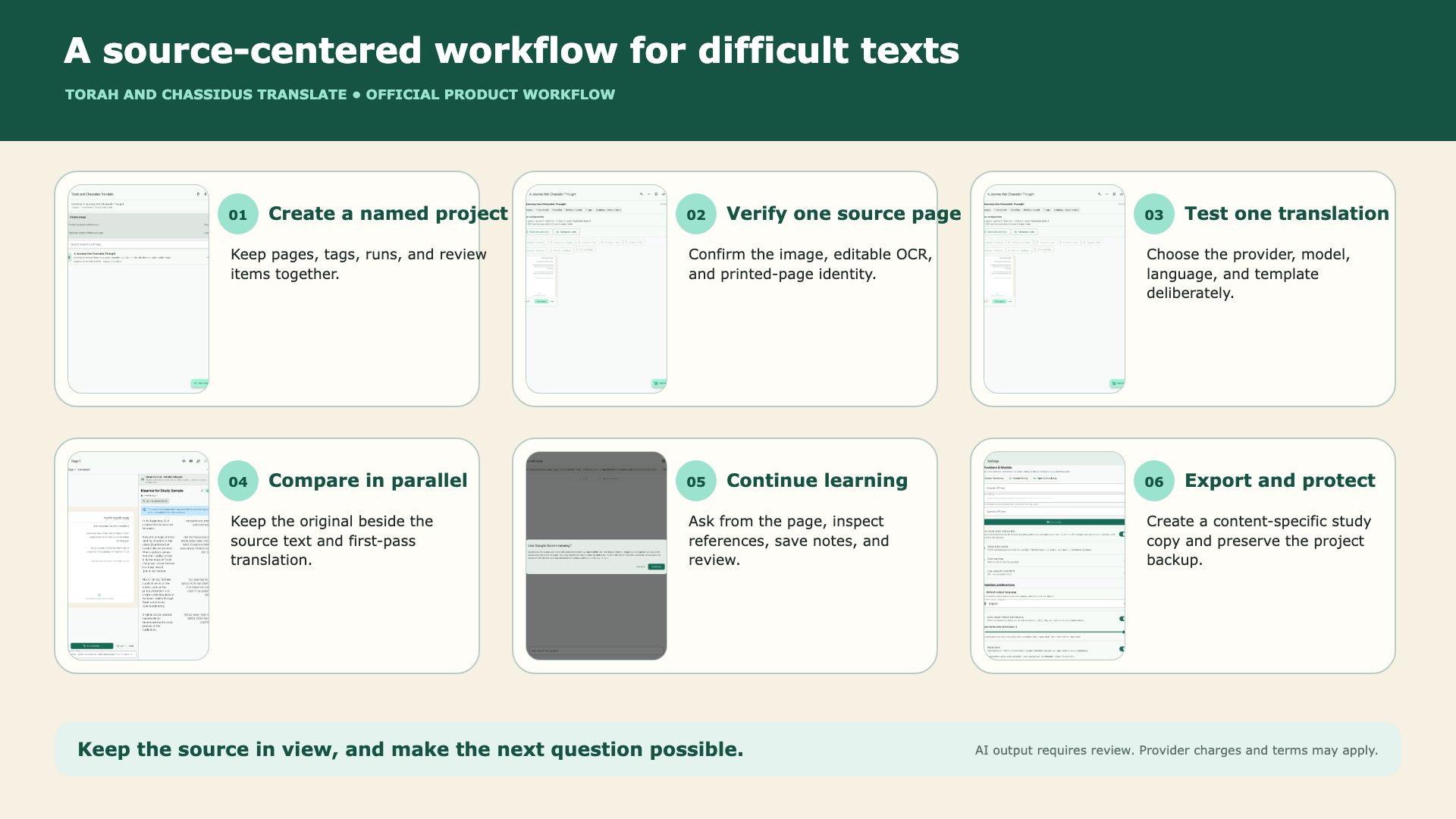
Landscape 1920×1080 graphic for presentations, webpages, newsletters, and classroom displays.
Download landscape PNG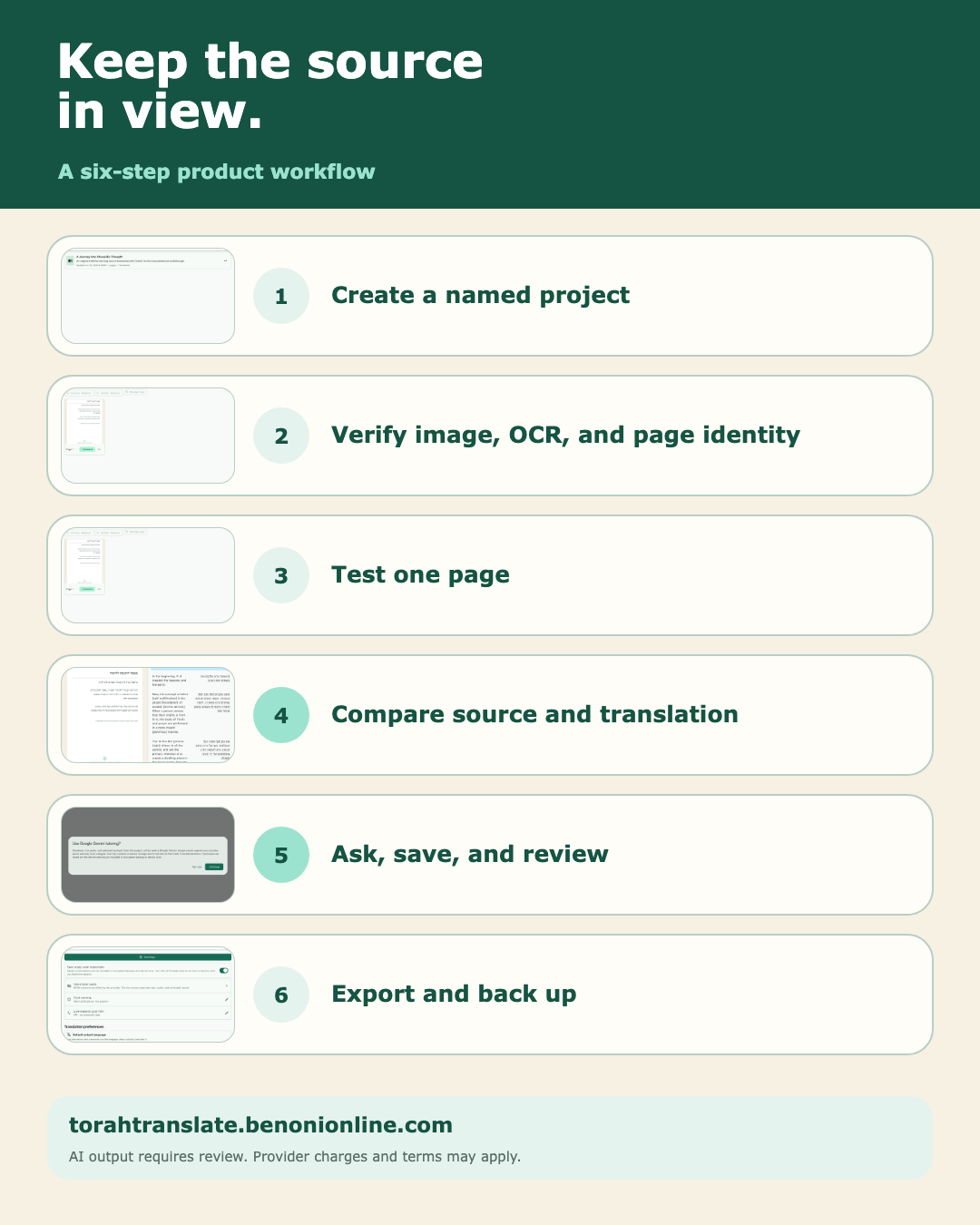
Portrait 1080×1350 graphic designed for social posts, email, and mobile reading.
Download portrait PNG
Official 1200×630 link-preview card for the website and product-tour page.
Download social previewComplete product tour
Open the chapter-by-chapter tour online, or download the video and captions for a classroom, presentation, or accessible viewing setup.
AI output requires review. Provider charges and terms may apply.
Press play and the spoken words will appear here.
Social introduction · 1 minute 19 seconds
Share a short introduction.
Post this vertical video on mobile and social channels, then send viewers to torahtranslate.benonionline.com/product-tour/ to watch the full tour and read the transcript.